What 123Pet Does For You


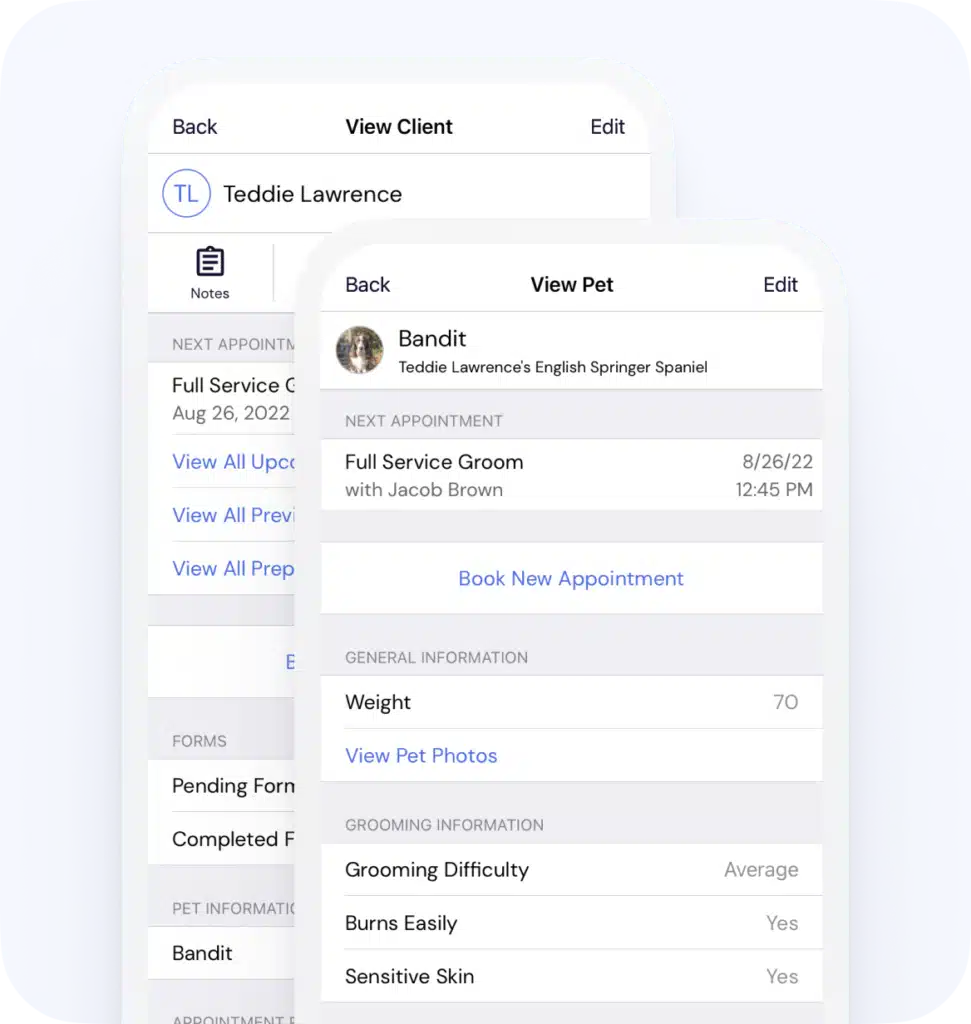
123Pet lets you focus on taking care of your clients rather than keeping track of handwritten notes. You can create a unique profile for each pet that’s available at the click of a mouse. Our software allows you to store detailed grooming, personality, kenneling, and medical information, all in one easy to use section.


Each tab includes a large comment area which gives you the ability to keep detailed notes for each visit. Feel free to include as much detail as you need for each pet – there’s no limit! Your clients will love the personalized experience and you’ll love that they keep coming back.

detailed pet profiles


123Pet can store, display, and print an unlimited number of pictures of each pet which are conveniently linked to their profile. Use a web cam to take pictures directly through the software or add an existing photo already saved on the computer from a digital camera or scanner. Once the photo has been linked to the pet, it’s saved inside your database so you no longer have to clutter your computer with unorganized photos!


Use the Picture Manager to save before and after photos of each pet you groom to show off the dramatic results. You can also save a primary pet picture to easily identify each pet when they walk through the door.

unlimited pet photos


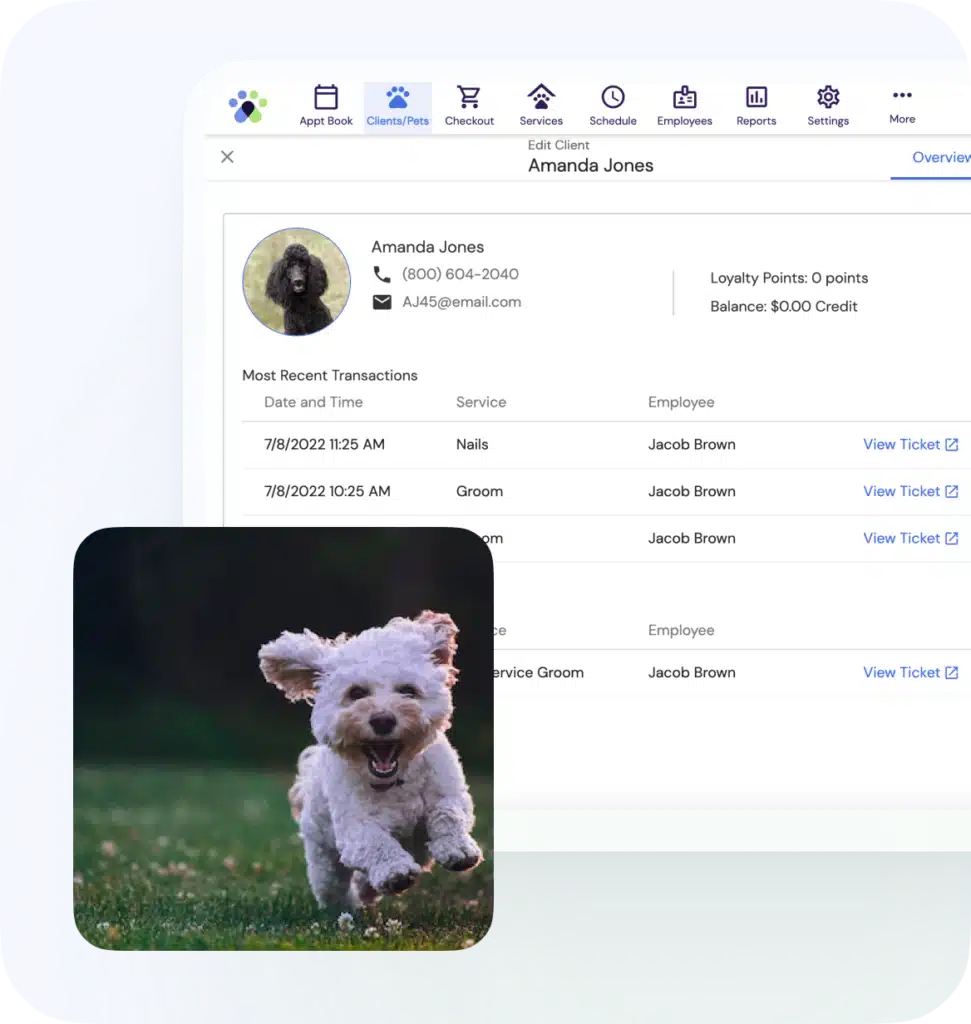
In addition to tracking your four legged clients, we also understand the importance of keeping detailed information on their owners. There are no restrictions on how many clients you can have in your database, regardless of which edition you buy. Each client has a complete purchase history profile which contains information about previous product sales, as well as appointment history to help you suggest items to clients during their visits.


No-shows and cancellations are also tracked per client so you know who to follow up with by running a simple report. Special pop-up notes can be made for each client to give you an extra alert when making an appointment. While viewing a client’s information you can also easily see his or her list of pets, assign special discounts, check loyalty points, pre-paid services, client balance and much more!

complete client contact info


Use the client notes feature to collect detailed information about each pet owner. You can quickly access these notes from the ticket screen to add or view information as needed. An option is available to add a date stamp so your notes can be easily organized. You also have the ability to print the client’s notes for those times when you need to view the information away from the computer.


client notes


In addition to storing comprehensive notes for each pet, you also have the ability to link a specific veterinarian to each pet. From the Vets screen, you can add a new veterinarian to the database and store his or her address, phone numbers, and business name. A comment section is available if you need to add specific details about each vet. The list of veterinarians you create can then be accessed from the Medical Information tab on the Edit Pet screen for each individual pet.


veterinary office tracking


123Pet offers a fully customizable vaccination system with automatic alerts. As part of each pet’s medical history, you are able to link specific vaccinations to each animal and document when each vaccination expires. Each vaccination record can hold detailed notes and you can set if the shot is optional or required. If a vaccination is set to expire soon, the software will alert you that the pet is due for another shot when you create an appointment. This automatic tracking system makes it easy for you to remind your clients that their pet is due for another vaccination.


vaccination history and alerts


In addition to grooming appointments, 123Pet also offers multi-day services and resources. The appointment book will display a single appointment for each boarding that spans the entire duration of the pet’s stay. Resources represent a specific kennel or boarding room in your business and they hold each of these boarding appointments.

Each resource can have its own maximum occupancy setting to track how many services can be held at once. If you attempt to book an appointment with a resource that is full, you will receive a warning to prevent overbooking. The appointment book has special filters to quickly switch between grooming and boarding so you can always find what you’re looking for.


boarding & kenneling manager


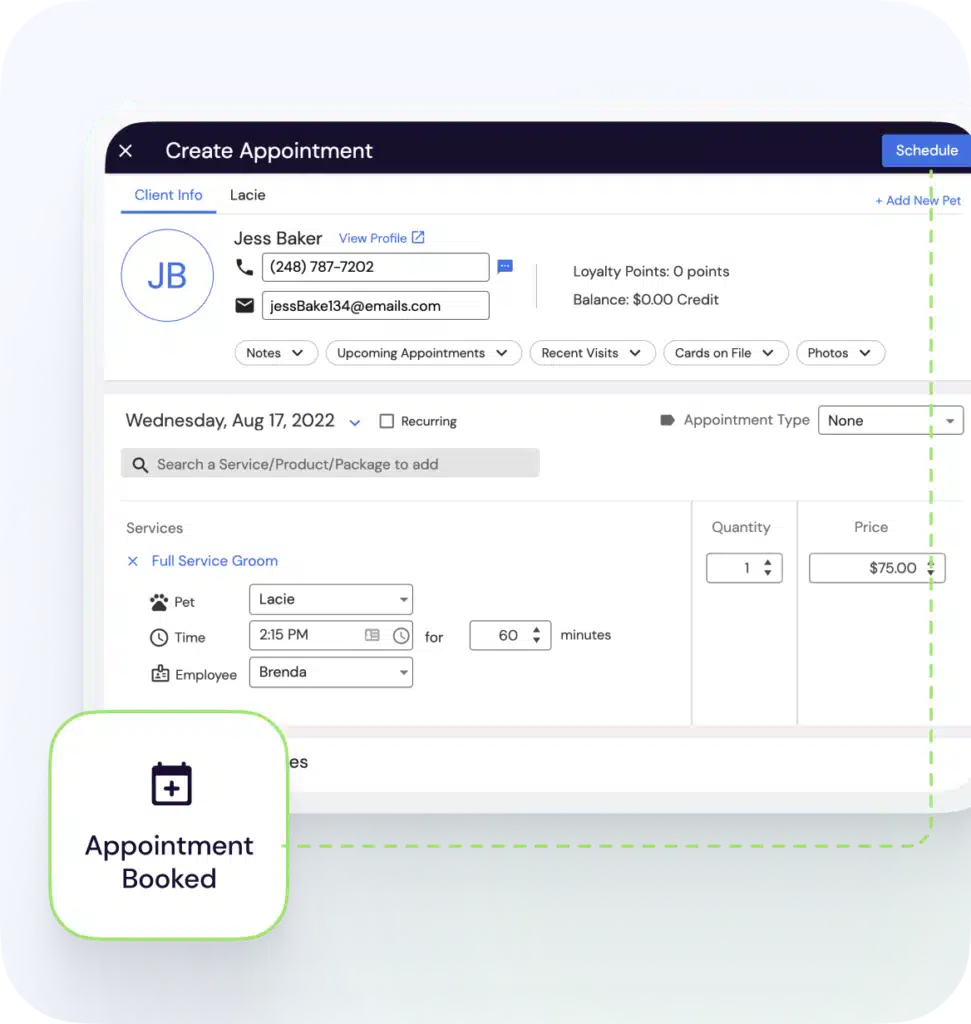
123Pet has the most powerful and simple appointment book available to help you manage your business. Customized color codes make it easy to view when an employee is available to book, what type of appointments you have for the day, and even determine who still needs to receive a confirmation call or e-mail. Book, rebook, check in clients, and so much more with just a couple of clicks. Creating an appointment is easy, and keeping your employees’ appointments organized is even easier with 123Pet.


The Appointment Book also includes the following features:

  • Drag-and-drop appointments
  • Color code services according to category
  • Print out "traveler" tickets with detailed pet information
  • Display custom notes for each employee
  • Track pre-paid services
  • View and schedule kennels in the Appointment Book using the resource feature

appointment book & scheduling


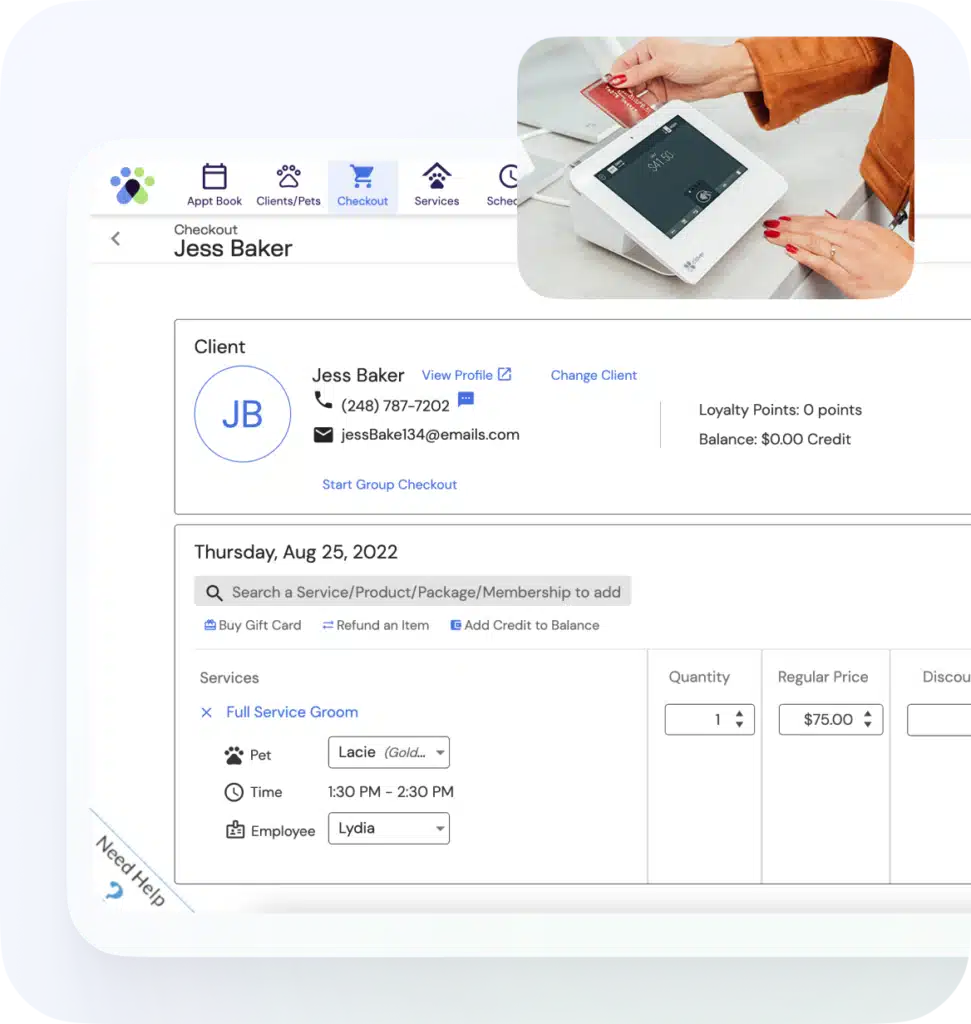
123Pet allows you to enter a list of services, prices, and descriptions that your business offers. Scan bar codes to quickly add products or services to a ticket by looking up an item from an available list or entering a quick ID. Our pre-paid service feature now allows customers to pay for a series of services in advance to use at their leisure. The appointment book is directly integrated with the tickets that contain your product and service sales.


product & service sales


123Pet offers the convenience of completely integrated and secure credit card processing at competitive rates. You can run credit cards directly through our software in just a few easy steps and accept payments through Visa, MasterCard, American Express, and Discover.


Integrated credit card processing is PCI compliant, so you can be sure your transactions will be secure. You can also setup multiple merchant accounts so that your independent contractors can process credit card cards transactions through their own accounts.


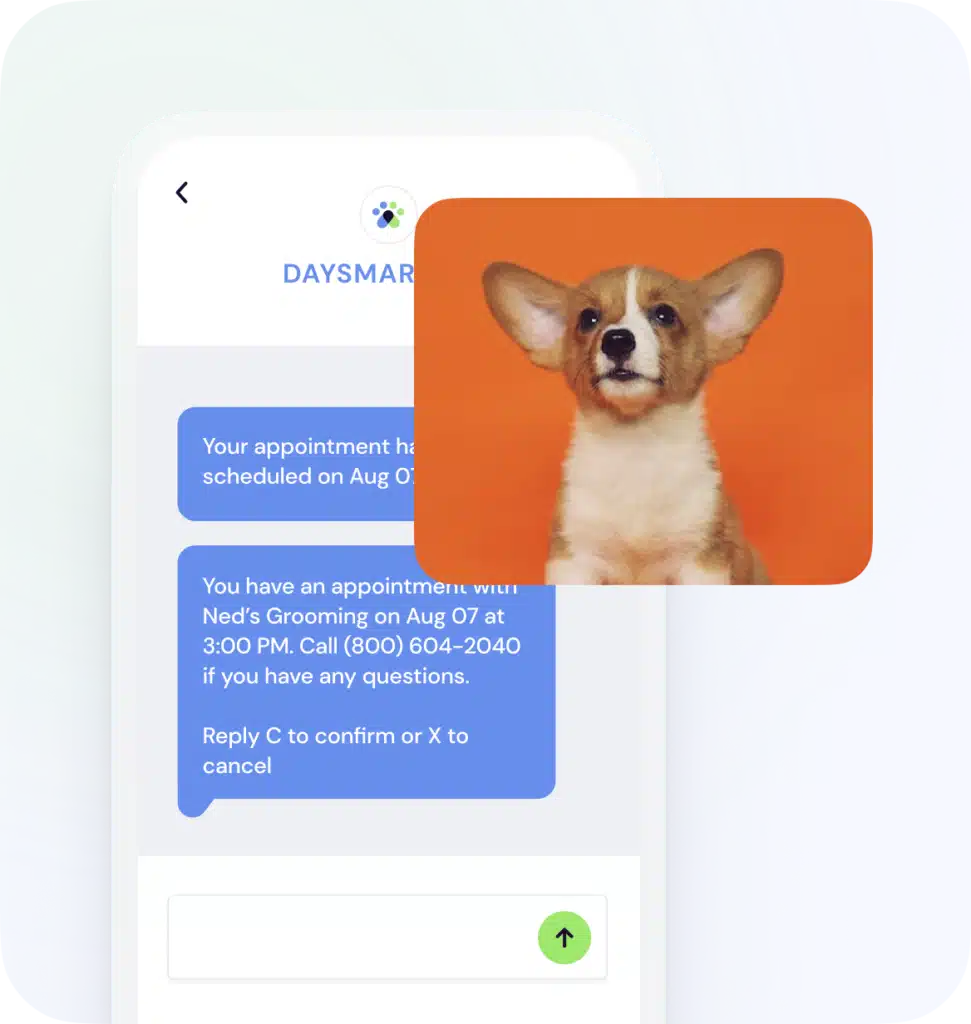
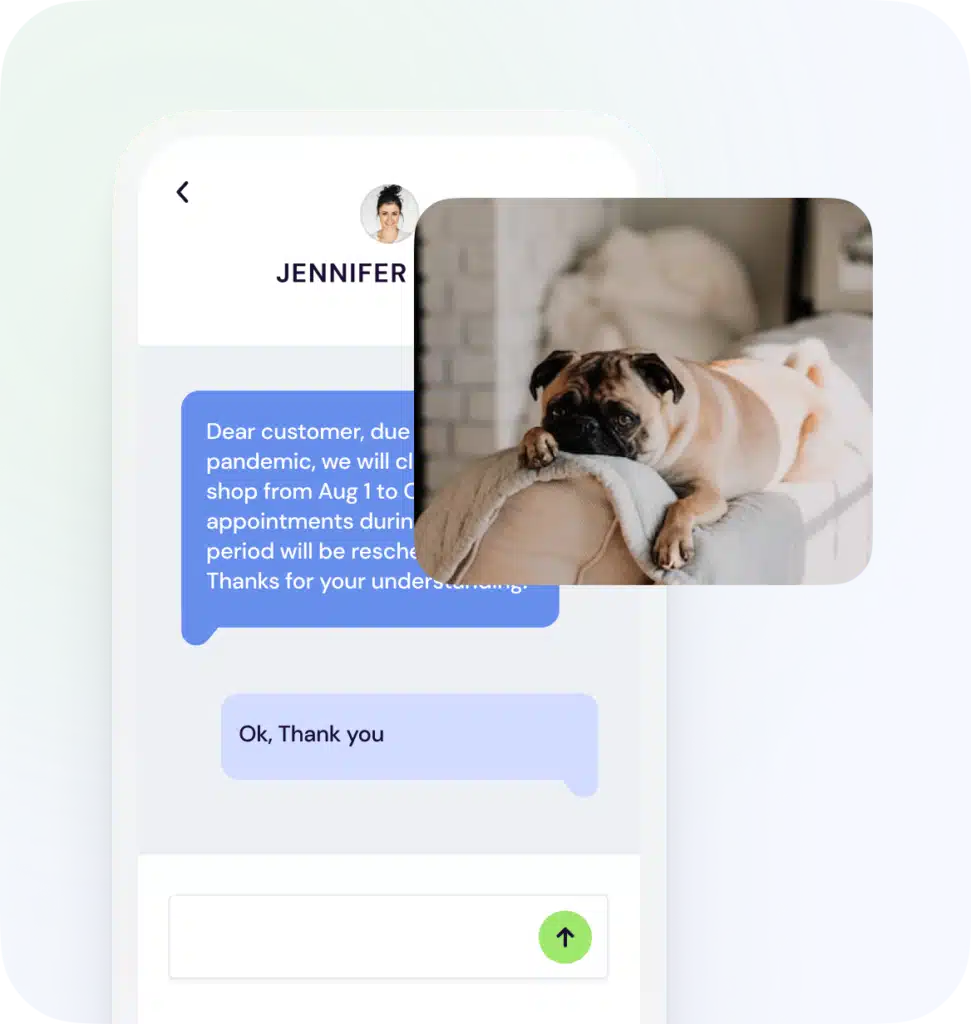
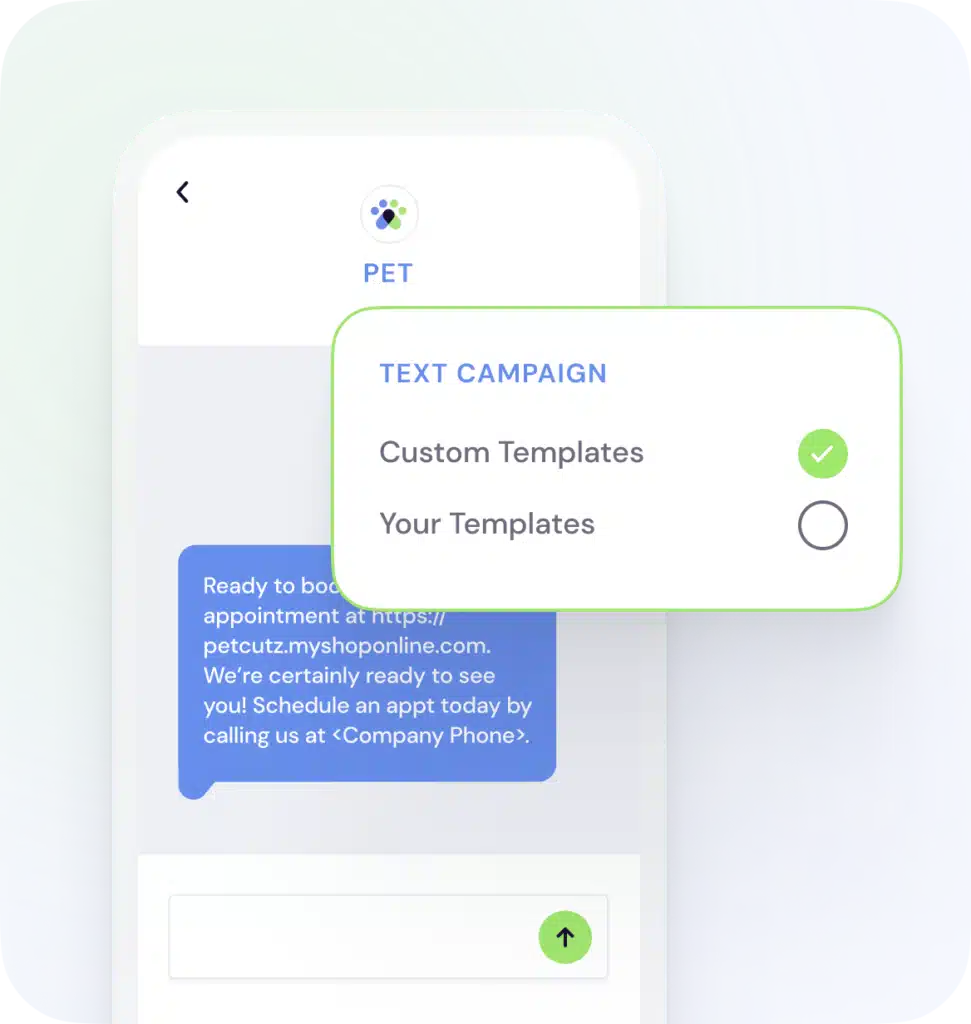
With 123Pet you can save time and money with e-mail reminders. Instead of calling clients to remind them of upcoming appointments, 123Pet will automatically send e-mail reminders to each client's cell phone or e-mail address. E-mail and SMS reminder messages are completely customizable and personalized. Reminders are sent automatically throughout the day so your clients are always notified of upcoming appointments.


automatic appointment reminders


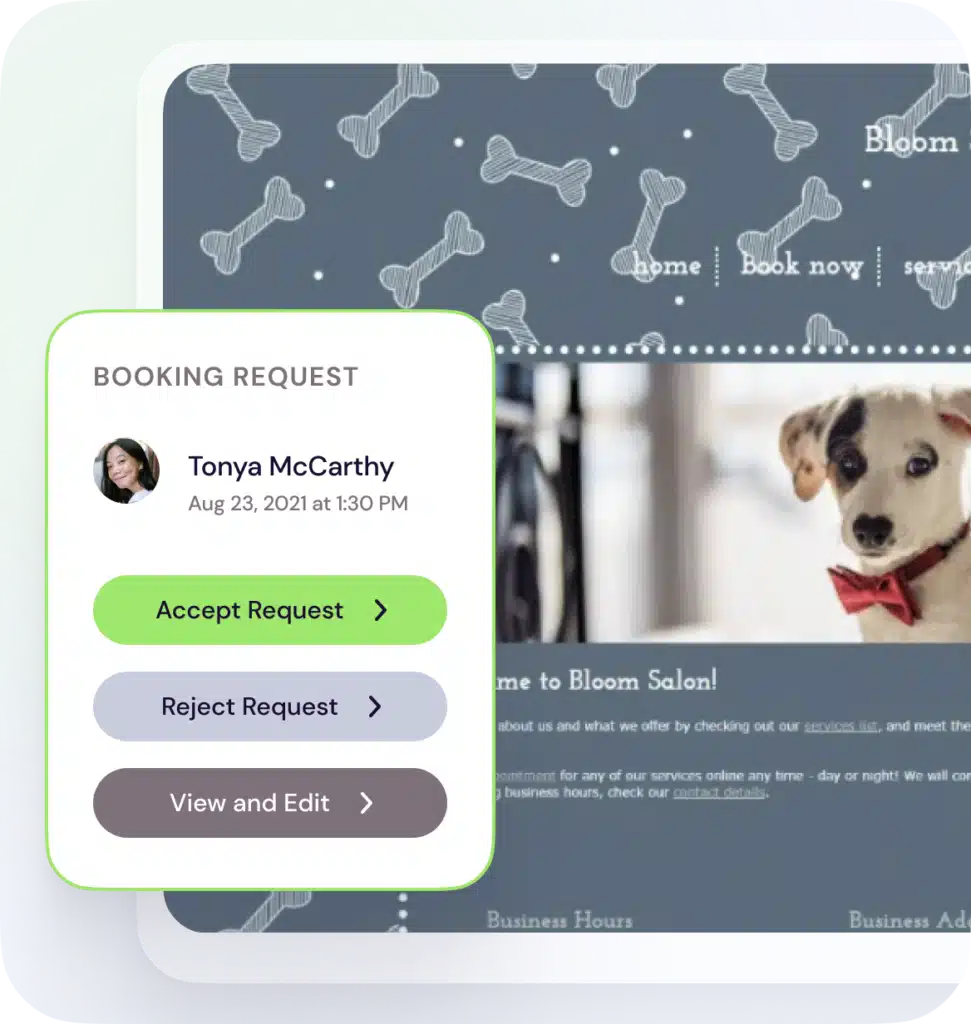
Your clients can request an appointment in just a few minutes, and you can have a fully functional web site that you can use to promote specials at your business, market to new clients, and provide information about services that you offer. Online booking is always available to your clients, even when your business is closed.


123Pet will check for new appointment requests automatically and alert you when they come in. Simply accept the appointment to add it to your appointment book, and we will send the client a confirmation message to let them know that you will look forward to seeing them at their appointment booked online. Check out our demo website to see what online booking can offer your business. Online booking is offered as a subscription, so view our pricing information if you would like to add online booking to your software.


online appointment booking


123Pet works with automatic reminder call software. This third party software allows you to record an appointment reminder message. The call reminder software then contacts each of your clients and plays the message for him or her.


A $25 setup fee applies as well as a monthly usage fee for the automatic reminder call software. Order Now. For details on monthly usage fees, please call Rolling Hill Enterprises Inc. at 1-888-858-6673 or visit their web site.


call reminder compatible


123Pet comes with an easy to use, built-in backup system. This simplifies the process of backing up your information and helps reduce the chance of information loss if your computer is damaged. All of your important client, sales, product, service, employee, etc. information is saved if you ever need to restore all of your information.


Backups can also be manually made to a separate device, so that in the event of a computer failure you can recover all of your information on a new computer easily. We recommend making a backup to an external device each night to ensure no data is lost.


automatic database backups


Enter each employee's schedule of working hours for individual days and even set up a recurring schedule for the employee to record many days at a time. The 123Pet Appointment Book reflects the employees' schedule by displaying what days and times they are working or unavailable.


Employees can clock in and out using the Time Clock feature, and you can track the working hours for each employee in addition to the scheduled hours. If you are using the Payroll feature as well, you can include time clock hours in each payroll to calculate hourly pay for each employee.


employee scheduling and time clock


123Pet allows you to track your products, including the quantity in stock, which is automatically updated every time a product is sold and inventory is received. Our software works with bar code scanners so that you can quickly sell your products to clients or add new products to the database.


inventory tracking


With your purchase of Version 9, you receive a free 12 month subscription to the new LiveAccess service. LiveAccess allows employees to view upcoming appointments online exactly as they appear in 123Pet and even book new appointments quickly and easily.


LiveAccess is available through a regular web browser as well as on iPhone and Android devices. Employees can now easily log in from their phone and see what appointments they have scheduled, book new appointments, view client information, check their sales totals, and more. The remote access service also allows you to set up custom employee permissions for greater security and ease of use.

remote access and free apps


Setting up password protection in 123Pet is easy! Each major screen and feature can be password protected. Each employee may have his/her unique password and list of screens and features that can be accessed. It can also work with custom Employee ID cards so that employees can quickly swipe a card to access any protected feature.


Set up the automatic log out feature to make sure employees will not remain logged in if the computer is inactive. Automatic logout further increases the security of your system, while also making it easier on your employees.

employee password protection


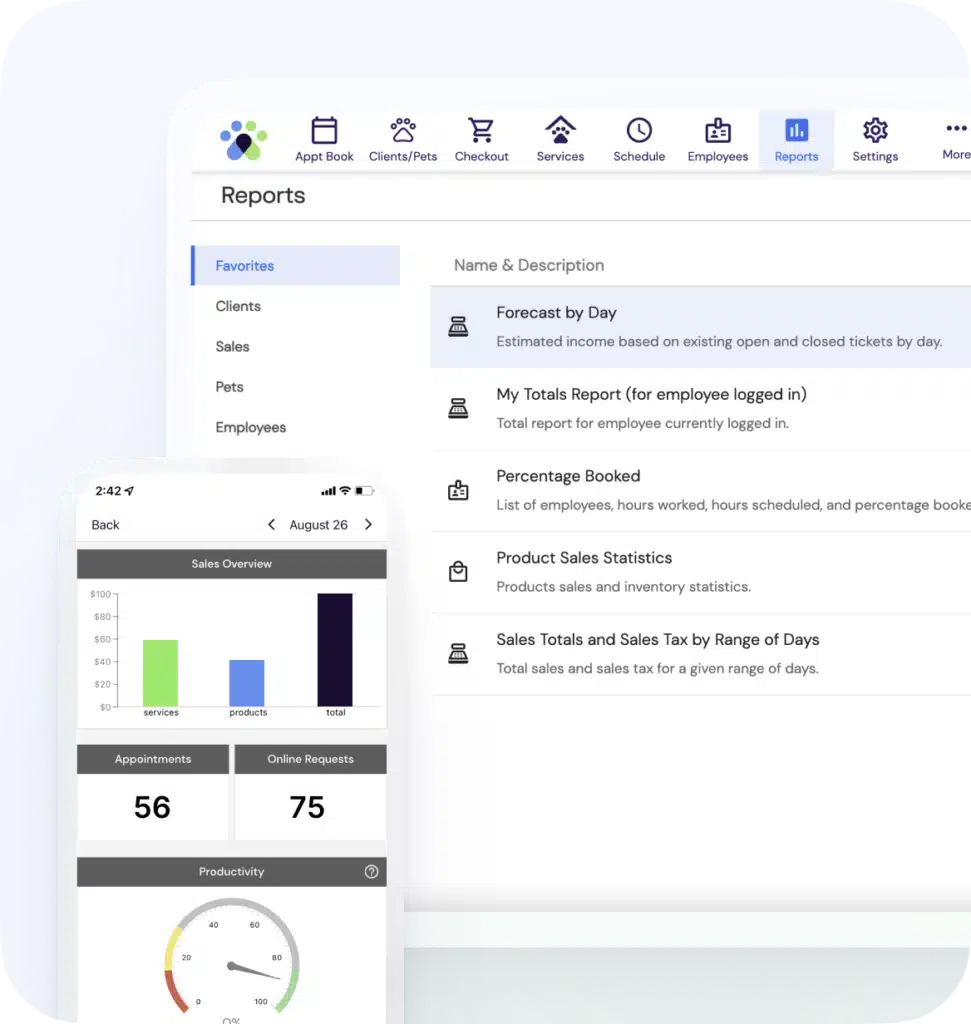
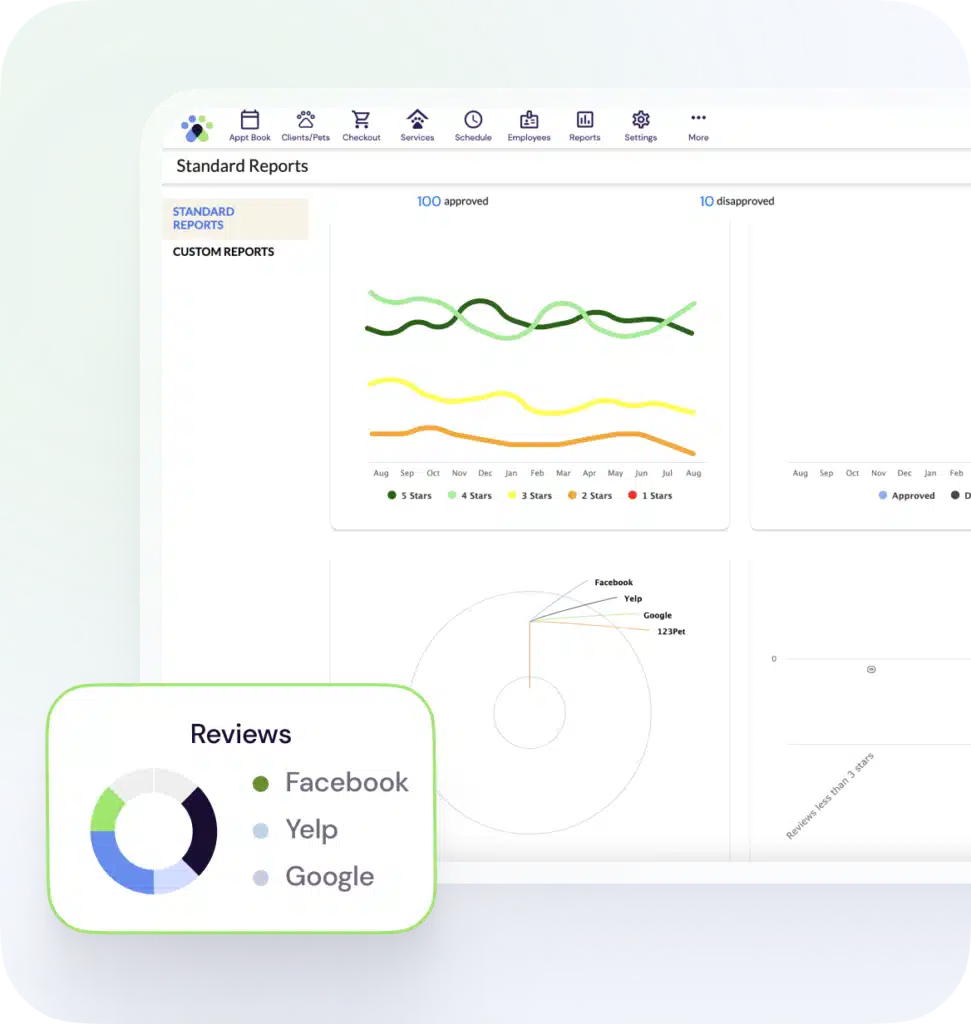
123Pet includes over 200 built-in reports that will help you to get details about your sales, clients, products, and so much more! The built-in reports are easy-to-use and provide you with key details that will help you to run your business effectively.


Most reports can be viewed in a simple grid as well as a full-color graph! You will be able to visually see all the information about your business in a variety of ways, and export or print the information to keep on record.

over 200 business reports


You don't need to use QuickBooks to manage your business when you have 123Pet to run your payroll, print checks, and handle your account information through the General Ledger. Still, we know that many accountants and business owners like to use QuickBooks for accounting, which is why we made sending your information to QuickBooks fast and easy.


You can export your clients, employees, inventory, services, vendor list, and general ledger financial transactions into QuickBooks with just a few clicks using the QuickBooks Export feature.

compatible with quickbooks


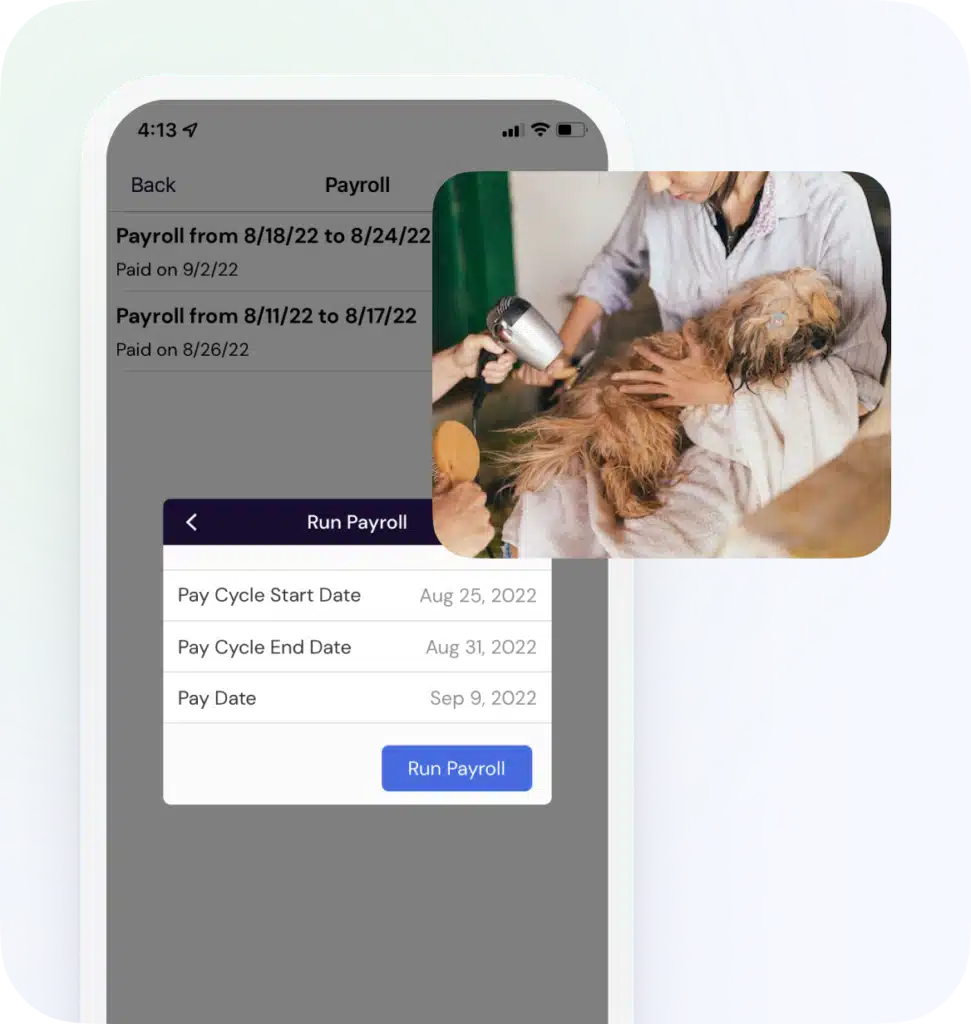
The 123Pet Payroll feature works with virtually all worldwide payroll systems, including the United States, Canada, Europe, and Australia. Easily handle nearly all aspects of payroll:

  • Full support for employee product and service commissions
  • Calculate hourly wages and set up salary amounts
  • Track and settle tips with payroll
  • Deduct Federal, State and Local taxes
  • Set up custom deductions that are specific to your business or location
  • Manage healthcare and retirement fund deductions
  • Download free Federal Tax table updates
  • Calculate back bar deductions for product usage during services
  • Print payroll checks and check stubs
  • Determine year-to-date and end-of-year payroll information (W2 and 1099)

With the 123Pet payroll system, there is no need to have an outsourced company or separate accounting program to manage your payroll. You will save time and money by letting your own business management software handle calculations and check printing!


payroll, check printing, and W2/1099 report


Track all of your financial transactions for multiple bank accounts, such as a checking account, business account and savings account. These transactions can be rent payments, utility payments, supplier shipments, written checks, and most other financial transactions that can occur within a business. The General Ledger works very much like an interactive bank account statement. 123Pet can even calculate the current balance of your account based on which checks have cleared.


general ledger


The 123Pet Profit and Loss report provides comprehensive tools for analyzing the income, expense, and net profit for your business. Display a complete breakdown of your business's income and deductions based on sales transactions, payroll records, and general ledger entries. Run the Profit and Loss report over any date range to view a summary of how your business is performing financially during any time period.


profit & loss report


Provide a professional touch, free advertisement, and have immediate income when gift cards are sold.


Custom designed gift cards provide a quick and efficient way for your clients to pre-pay for products and services. After a gift card is purchased, it can be used on returning visits to pay for purchases.


gift cards


The Loyalty Points System allows you to establish and customize a rewards system for your clients. The Loyalty Points System allows you to conveniently and easily issue awards to clients who demonstrate consistency towards your business.


After loyalty points are defined for individual services and products, clients will receive points for the purchasing of these services and/or products. Clients can then redeem the loyalty points for rewards such as free products and services or a dollar discount.


loyalty points system


Easily track prepaid services using the built in package feature. Packages allow you to sell prepaid services and track how many treatments are remaining on the client's account. 123Pet automatically detects when a client has a prepaid balance when the client comes in for future treatments.


packages & prepaid services


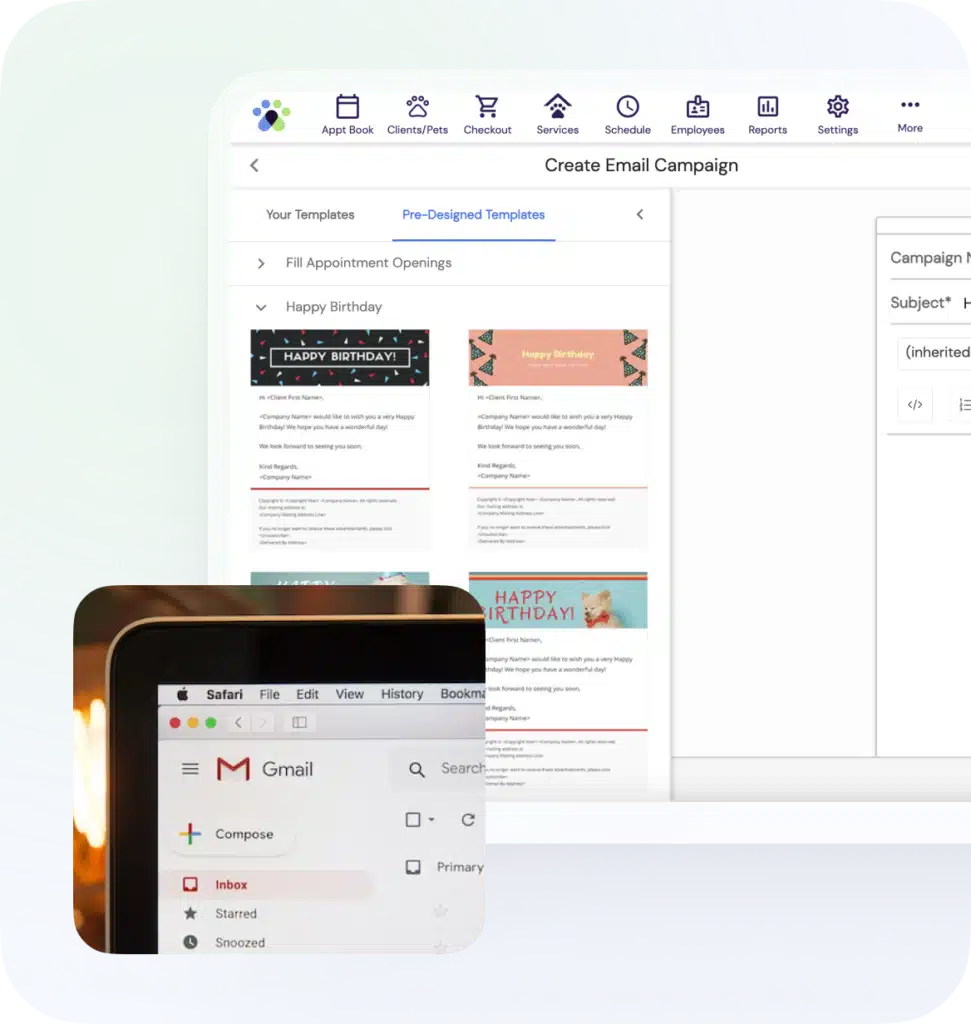
123Pet offers a fully customizable HTML editor for sending e-mails to clients. Feel free to add your own images or try one of our default templates to get you started. To send an e-mail, simply use the lookup screen to select a specific client. In the edit client screen, choose the option to send an e-mail through 123Pet. This will allow you to send a personalized e-mail to the client of your choice.


Would you like to save your own e-mail templates, or send mass marketing e-mails through the software? Purchase the professional edition of the software or higher and you will unlock even more marketing capabilities!


send html emails


At the touch of a button, 123Pet can print a complete product list and tell you which items need to be ordered. 123Pet also comes with a built-in reorder reminder feature so that you can set the level at which you will need to order your products, and you will be automatically notified when your need to order your products, and how many should be ordered.


You can even create a purchase order directly from your low-inventory list, email the purchase order to your vendor, print a vendor check and record the payment in your General Ledger in just a few quick clicks. Inventory levels can be easily updated using a bar code scanner or data collector when your orders arrive from vendors so that the stock levels can be easily maintained.


automatic product ordering

automatic product ordering


Using the powerful Marketing feature in 123Pet, you will be able to construct lists of clients based on purchase history and client information. Marketing Campaigns are perfect if you want to notify your clients of specials, follow up after specific services, or say "Happy Birthday!" with a special offer.


Marketing campaigns can have an email template associated with them to easily send out your mass email and refer to your offer. During an active campaign or upon its completion you can check out the effectiveness of your campaign through return-rate reports. In combination with ticket referral reporting, 123Pet can calculate how much revenue you earned as a result of each campaign. Quickly view which clients received each campaign notification in the campaign clientele section.


marketing campaign management


The Wait List feature allows you to create a list of clients who have no previously scheduled appointments and are in the lobby waiting for an available employee, or would like to schedule an appointment for a future date that is currently booked. On a Wait List entry, you will be able to add multiple services and employees, and define when the client is available.


123Pet will automatically check for openings in your appointment book as existing appointments are cancelled or moved, and you will be notified when a match is found for a wait listed appointment request so that you can keep your appointment book full and your clients happy!


automatic wait list monitoring


Create reminders that are associated with a client, a ticket, or just a general notification for employees. Use the Auto-Notify feature and 123Pet will automatically notify you until a reminder is marked as complete.


Each reminder can be marked as complete or incomplete, have a priority defined, and a start and due date. You will be able to set up a schedule so that notifications will be shown to you at the beginning of the day, periodically throughout the day, or not at all.


employee reminders


Most information that you will need can be found in the hundreds of built-in reports included in 123Pet. But, if you need a report that isn't already found, you can always create your own!

To create your own report, you need to understand Structured Query Language (SQL), which is a series of commands you use to specify what information you want in your report. Don't know SQL? That's OK - our customer support specialists are happy to help you by offering assistance on writing custom reports and developing complete custom reports for you!


custom report capability


Each client can have his or her own documents linked so that you can keep important medical, legal, or informational notes on file needed for grooming or kenneling services. Any file that is saved on your computer can be linked to a client, so you can quickly access scanned documents and images, service agreements, or questionnaires in just about any file format.


document tracking


123Pet has been designed to operate exceptionally in a local area network. Several computers on a network can be connected, and your employees can use 123Pet simultaneously for all of their scheduling, reporting, and management tasks.


All of the information in your 123Pet database (i.e. clients, appointments, products, services, etc.) will be available on each of the computers. Your Appointment Book will continuously refresh automatically to make sure to display all of the most up-to-date information, even when edited on another computer.

multiple computers connect to a single database


With the multi-computer edition of 123Pet you have the luxury of running the complete software outside the office. All you need is a virtual private network (VPN) which can be set up easily with third party software. If you're not sure how a VPN works, don't worry, we have a thorough walkthrough to get you started.


Once you have a VPN set up, you can install 123Pet on your laptop and access your database anywhere in the world as long as you have an Internet connection. Going on vacation? Need to check on things from home? No problem! You can still access the full software just as though you were in the business.


use the software from a remote location


Set up multiple POS workstations in your business when you have 123Pet running on multiple computers so that you can make the most of your network. Workstations can each have their own POS hardware, or some hardware can be shared between computers for a streamlined system.


connect POS hardware to multiple stations


The multi-location edition of 123Pet allows two or more locations of your business to share information with each other. An unlimited number of stores anywhere in the world can be set up to share information, making it perfect for any corporate or franchise business, as well as multiple locations owned by a single person. Setup is easy and requires little additional hardware or software to allow your multiple locations to connect.


With the multi-location edition of 123Pet, you can switch to another location's database to view clients, book appointments, update inventory, run reports, and so much more.

connect multiple locations together


Special reports that can only be found in the multi-location edition of 123Pet will help you to manage all of your locations more efficiently. You will be able to determine the sales totals for all locations combined, show a complete inventory count of all locations, and more.


multi-location reports for aggregated totals